.svg)
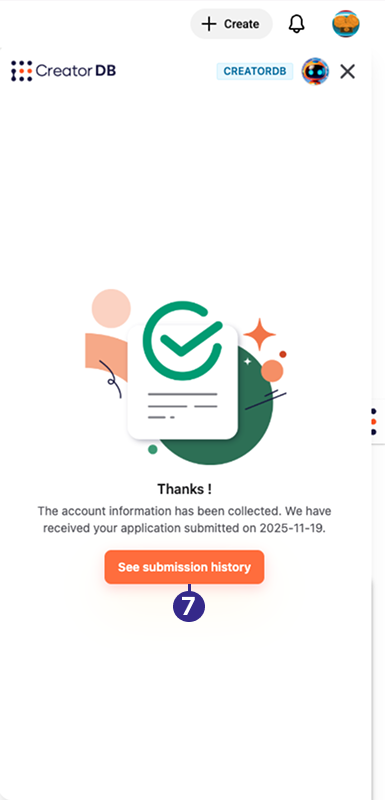
You can add creators that are currently not in the CreatorDB database. It usually takes one workday for the creator’s data to be added to the CreatorDB database.
Important: The Creator Analytics by CreatorDB currently only supports YouTube, Instagram, and TikTok.
-
Open the Chrome browser.
-
Go to a supported social media platform.
-
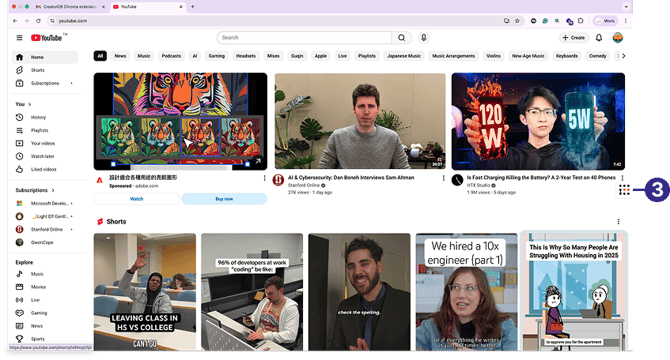
Click the CreatorDB icon.
-
Log in to your CreatorDB account.
-
Go to a creator’s account or channel.
Note: It may take a few seconds for the Creator Analytics by CreatorDB to load a creator’s data.
Tip: If the Creator Analytics by CreatorDB fails to update data when you switch to another creator’s account, try closing the extension and opening it again.
Shows the Creator not found page.
-
Click Add creator to CreatorDB.
The creator is added to CreatorDB database.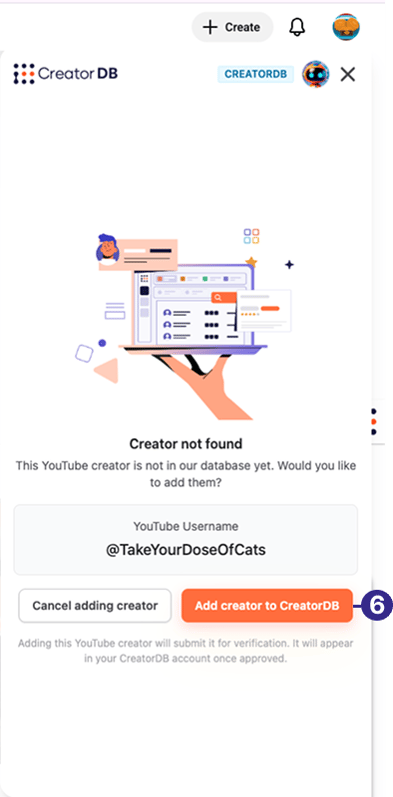
-
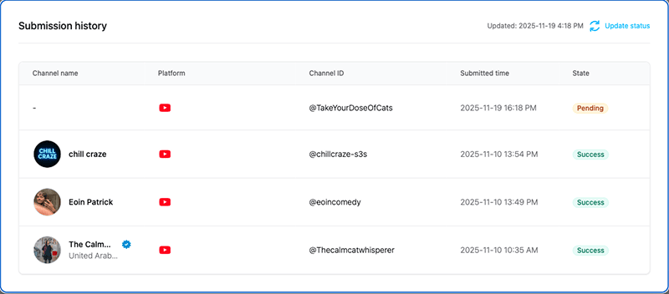
Optional: Click See submission history.